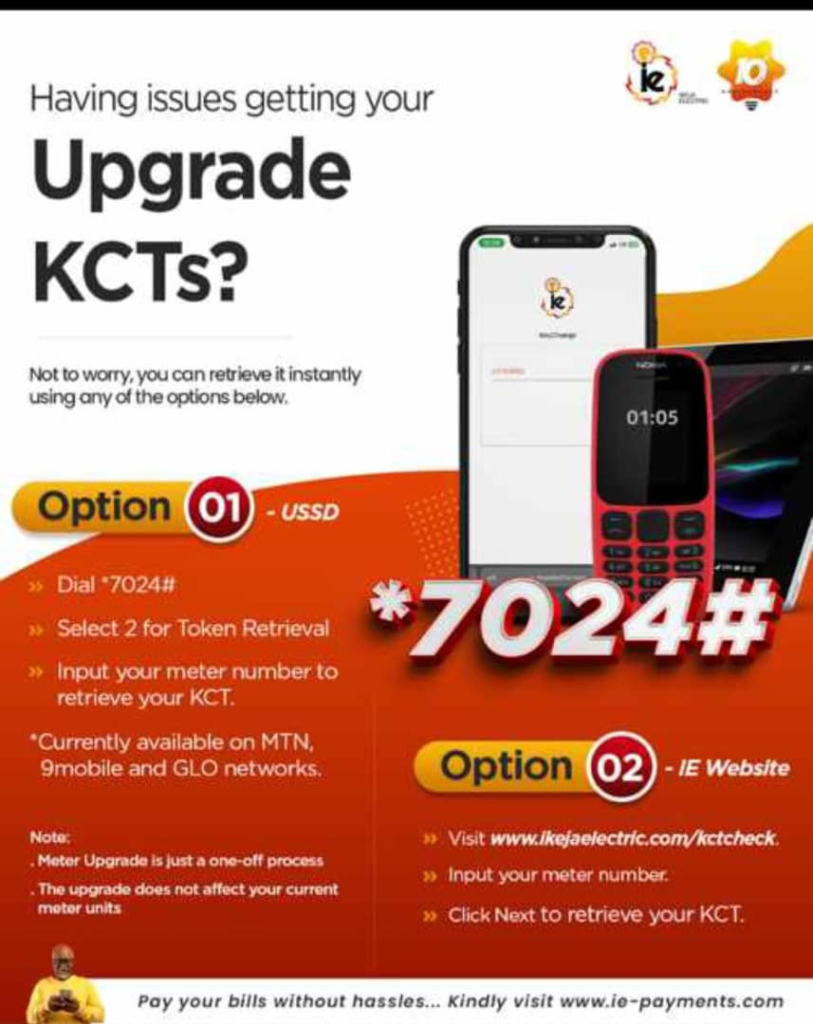

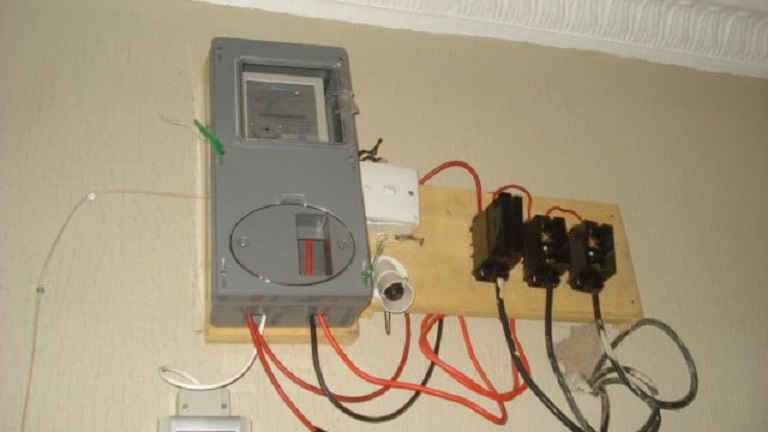
To enhance security, Lagosians under the Ikeja Electric network will have to upgrade their meters, with failure to do so resulting in customers’ inability to load energy tokens.
In a new campaign that started on November 1st, IKEDC (Ikeja Electricity Distribution Company) now sends KCTs (Key Change Tokens) for upgrading STS (Standard Transfer Specification) prepaid meters after they have been linked with the National Identification Number (NIN).
To get the two unique 20-digit tokens (KTCs) for upgrading your meter, you’ll need to link your NIN to your meter at smartkyc.ikejaelectric.com/nin.
Below are the steps to link your NIN to your prepaid meter:
Step 1: Click the “Link your NIN And Meter” button.
The first step in the process is to visit the Ikeja Electric official website. Look for the “Link your NIN And Meter” button and click. This will redirect you to a dedicated portal that handles the NIN linking process.
Step 2: Get Your Phone Number, NIN, and Email Address Ready.
Before kick-starting, ensure your phone number, NIN, and email address are readily available. Double-check the accuracy of your NIN to ensure the information you provide is correct.
Step 3: Confirm You Inputted the Correct NIN Details.
Once you’ve clicked the designated button, the portal will prompt you to enter your phone number, NIN, and email address. Take a moment to review the information you’ve entered and confirm the accuracy of your NIN details.
Proceed to the next step only when you are confident that the information provided is accurate.
Step 4: Input Your Meter Number and Verification Code
In the next and final phase of the process, you will be asked to input your meter number and a verification code. The verification code will be sent to the email address you provided earlier or your linked mobile number. Check your email or message inbox for the code and enter it into the designated field.
Take extra care when entering your meter number and verification code to avoid errors. Click the “submit” button to move on to the final step.
Conclusion
You have successfully linked your NIN to your prepaid meter with Ikeja Electric.
Purchase energy of any amount to get the two sets of 20-digit tokens necessary to load energy onto your prepaid meter.
You will be sent three different tokens to upload to your meter. Input KTC1, followed by KTC2, and finally, input your energy token.
Note: Only landlords can use a single NIN to register multiple meters. Tenants can only link NIN to one meter.
How to resolve KTC issues: